

Advanced Tab
Use Advanced when you need a lighter model output or want to push an optimized asset back into the scene.
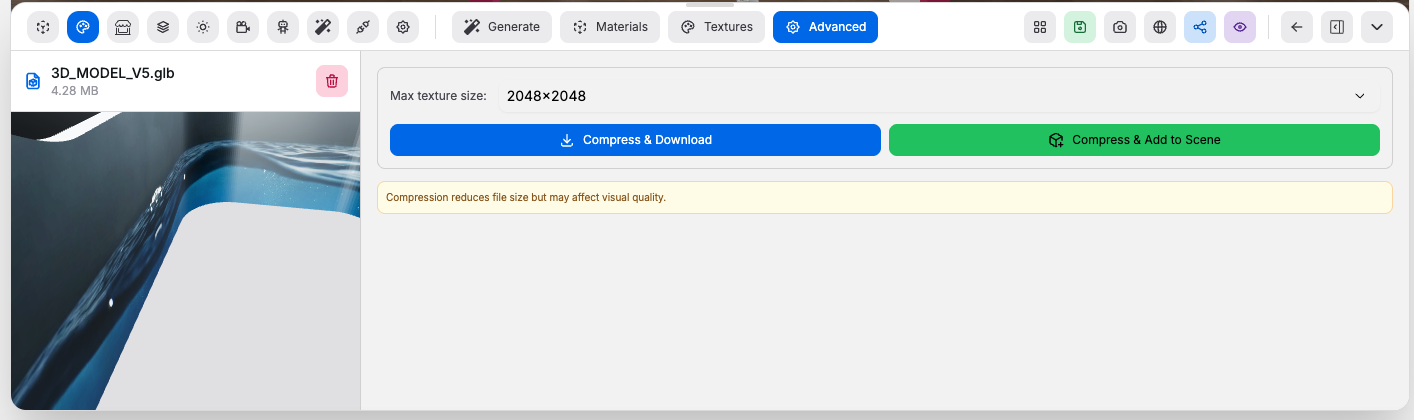
Controls:
Max texture size: limits texture dimensions during compressionCompress & Download: compresses the current model and downloads a.glbCompress & Add to Scene: compresses the current model, uploads it, and adds the optimized result back into the room
Good to know:
- Compression reduces file size, but it can also reduce texture quality