

Asset Manager Drawer
Use the Asset Manager drawer to work with generated files, materials, textures, and optimized asset output.
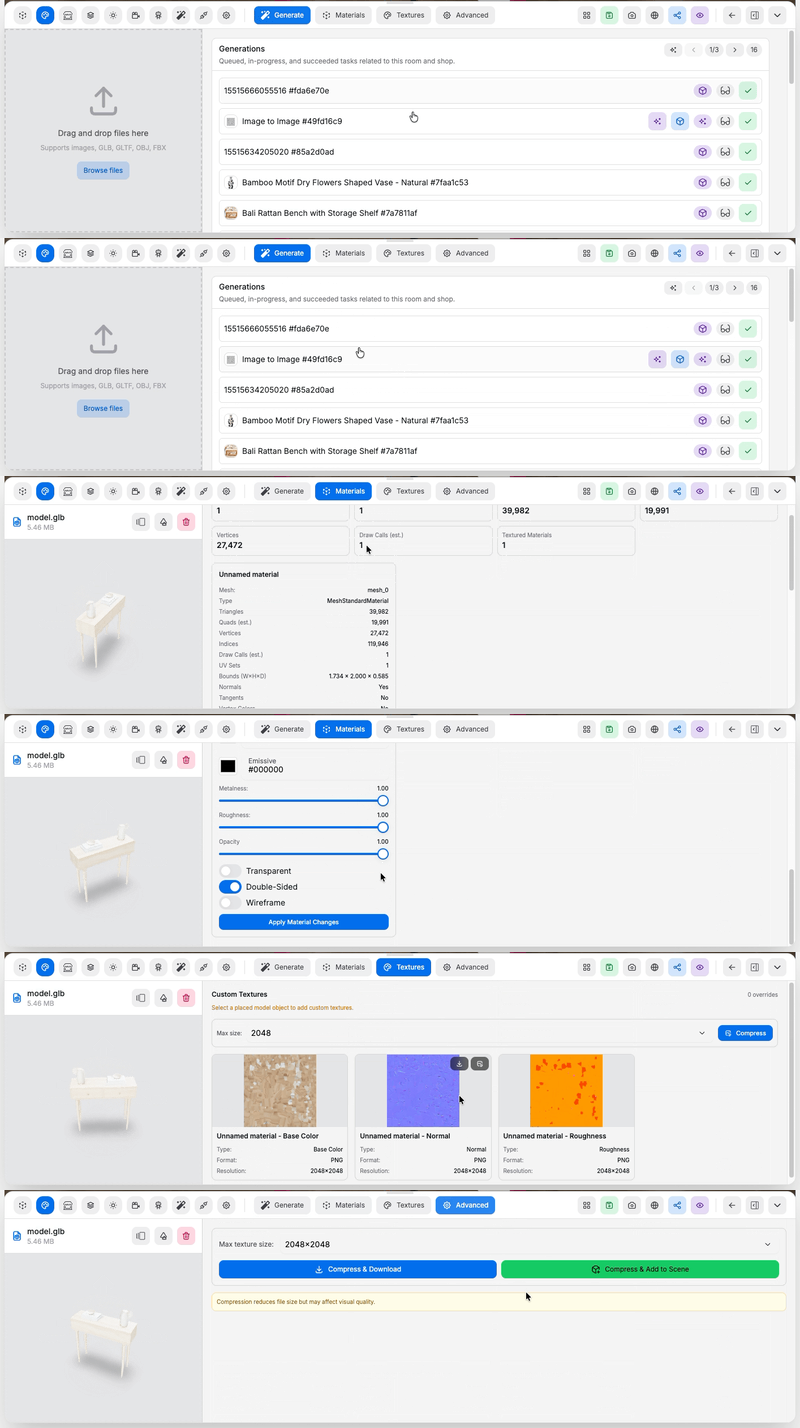 Pages in this drawer:
- Generate Tab: review generated files tied to the room and start file-driven creation flows
- Materials Tab: inspect model materials and edit material properties
- Textures Tab: replace texture maps and add per-material overrides
- Advanced Tab: compress a model before download or re-use