

Avatar Tab
 Use
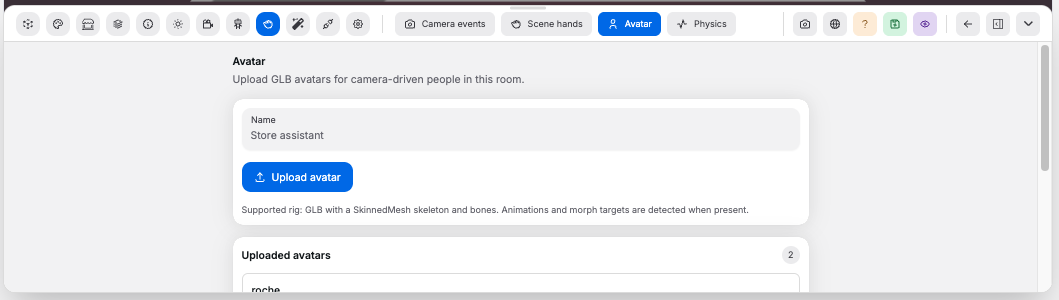
Use Avatar to upload GLB avatars for camera-driven people in the room.
Controls:
Name: sets the avatar name before uploadUpload avatar: uploads a.glbavatar and adds it to the roomUploaded avatars: lists browser-remembered uploaded avatarsAdd to scene: adds a remembered avatar to the roomForget uploaded avatar: removes a remembered avatar from the browser libraryShow skeleton: shows an editor-only rig helperPair to camera: lets the avatar follow camera pose inputReset when pose leaves frame: returns the avatar to its saved placementMirror camera pose: mirrors left/right pose movementRoot motion locks: locks scene X movement, Y yaw, or scene Z movementRemove: removes the avatar from the room
Good to know:
- Camera events must be enabled before avatars can be added
- Supported rigs are GLB files with a
SkinnedMeshskeleton and bones - Animations and morph targets are detected when present
- Uploaded avatars are remembered in the browser library; placed avatars save with the room