

Click & Convert
Click & Convert is the fastest way to get a 3D model: find a product, press Convert to 3D, and Freakout turns its current image into a ready-to-place 3D model — no settings to configure.
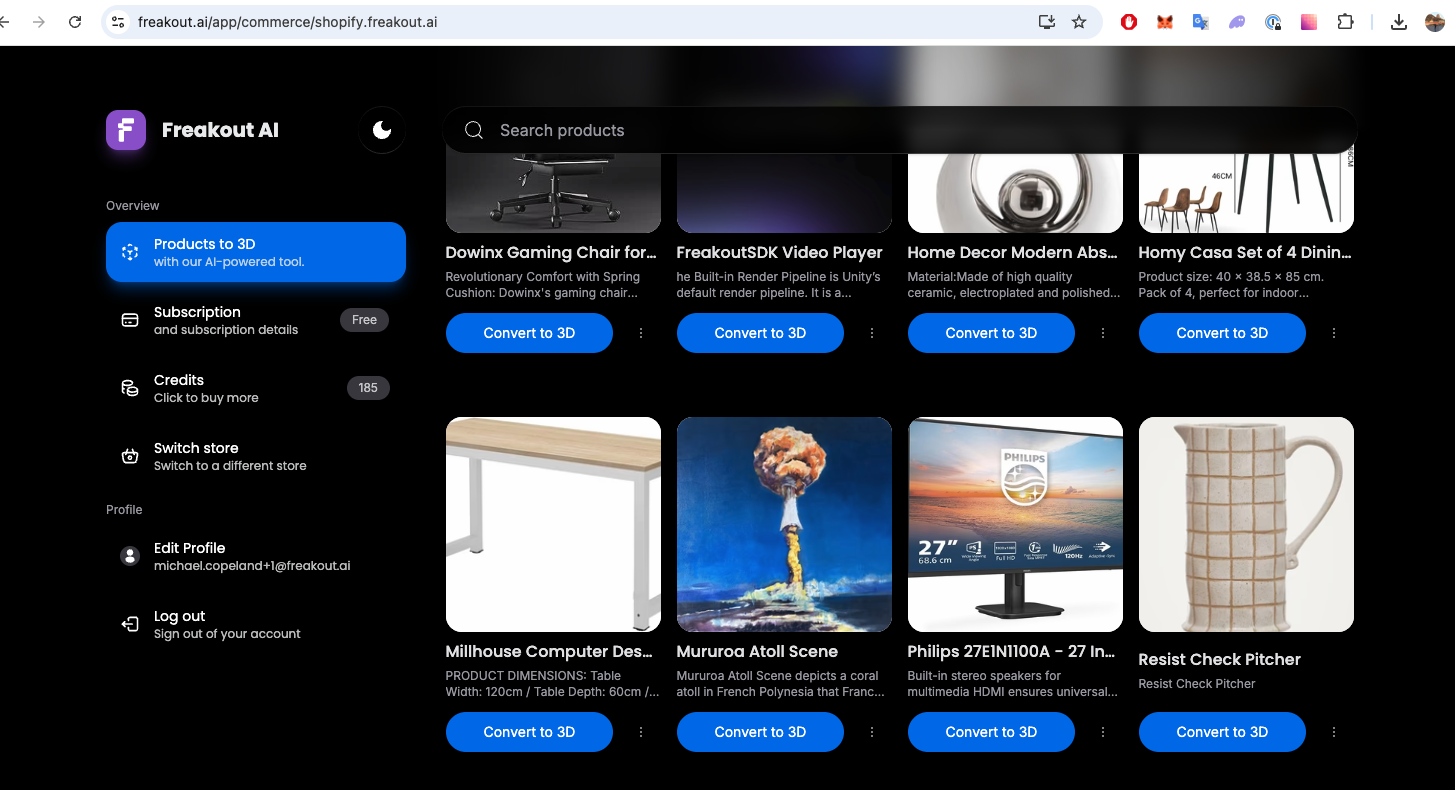
What you get by default#
One-click Convert to 3D now uses our highest-quality preset so the first model looks its best without any tuning:
- Meshy 7 — our newest, highest-fidelity generation model
- 50,000 polygons — dense geometry that keeps fine shape detail
- 4K texture — a 4096×4096 base colour texture for crisp surface detail
- Smart material handling — realistic PBR lighting (metallic, roughness, and normal maps) is applied automatically to hard and metallic products, and skipped for fabric and soft goods where it would look artificially shiny. This is based on the product's category; you can override it in Detailed Convert.
Each one-click conversion costs 30 credits. The price is shown on the Proceed button before you confirm, so nothing is charged until you go ahead.
Want different settings?#
If you'd rather trade quality for a lower credit cost — or fine-tune the model, texture, and polygon count yourself — open Detailed converting from the product card menu (the settings icon next to Proceed takes you straight there). See Detailed Convert for every option, and Pricing for the full credit cost breakdown.