Beyond Animation: Turning 3D Product Pages Into Guided Experiences
Most product pages still ask customers to do too much imagining.
They show a few photos, maybe a video, maybe a 3D model if the brand is more advanced. But even then, the customer is often left alone to figure out what matters: which feature to notice, how the product works, what makes it different, and why they should trust it enough to buy.
The “Lights, Camera, Action” release from FreakoutAI shows a more complete direction for 3D commerce. It is not only about making products move. It is about building guided product stories through annotations, object animations, lighting animations, shader highlights, camera behavior, and connected product cards.
That difference matters.
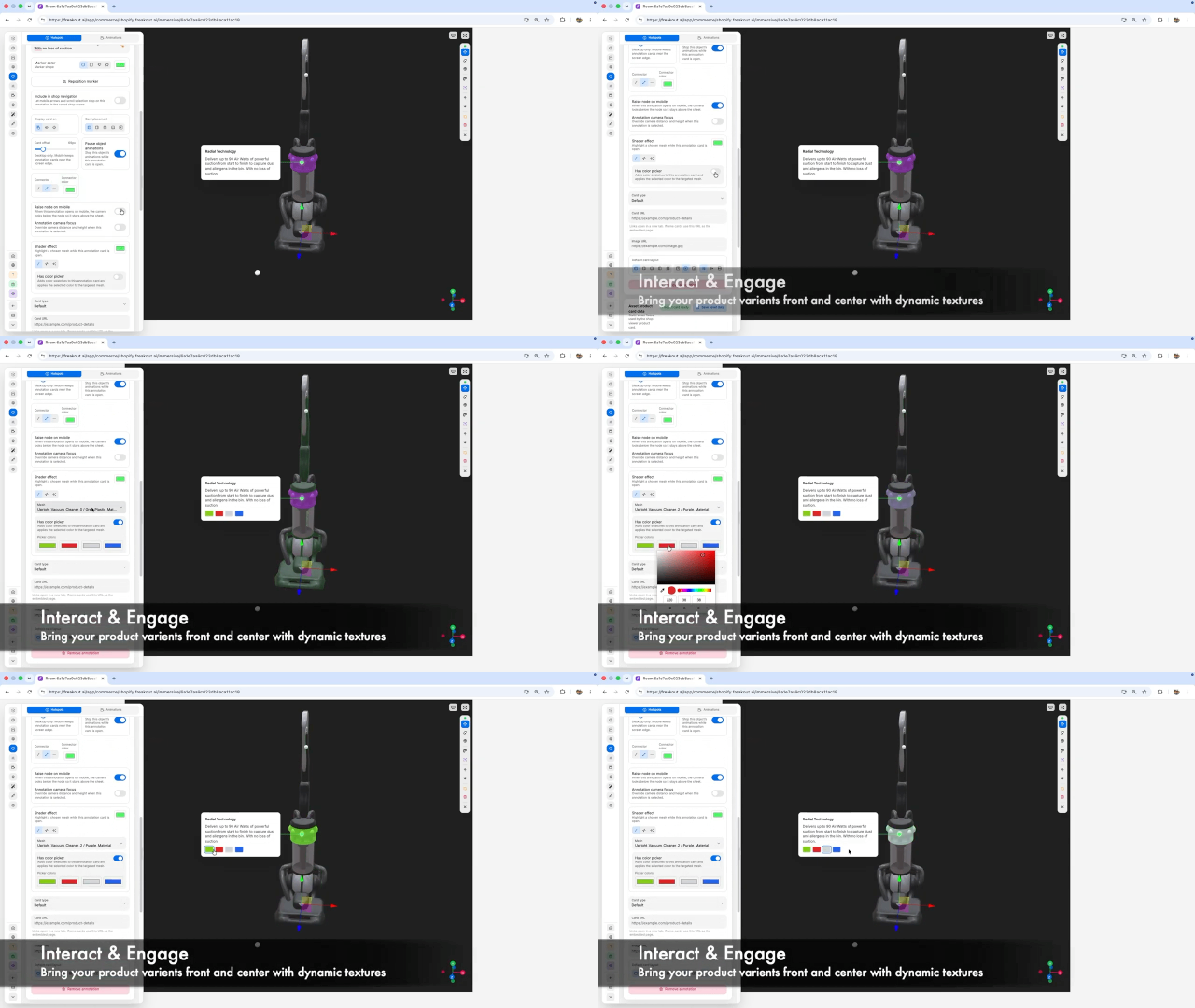
Annotations Make 3D Useful
A 3D model is impressive, but a 3D model with annotations becomes educational.
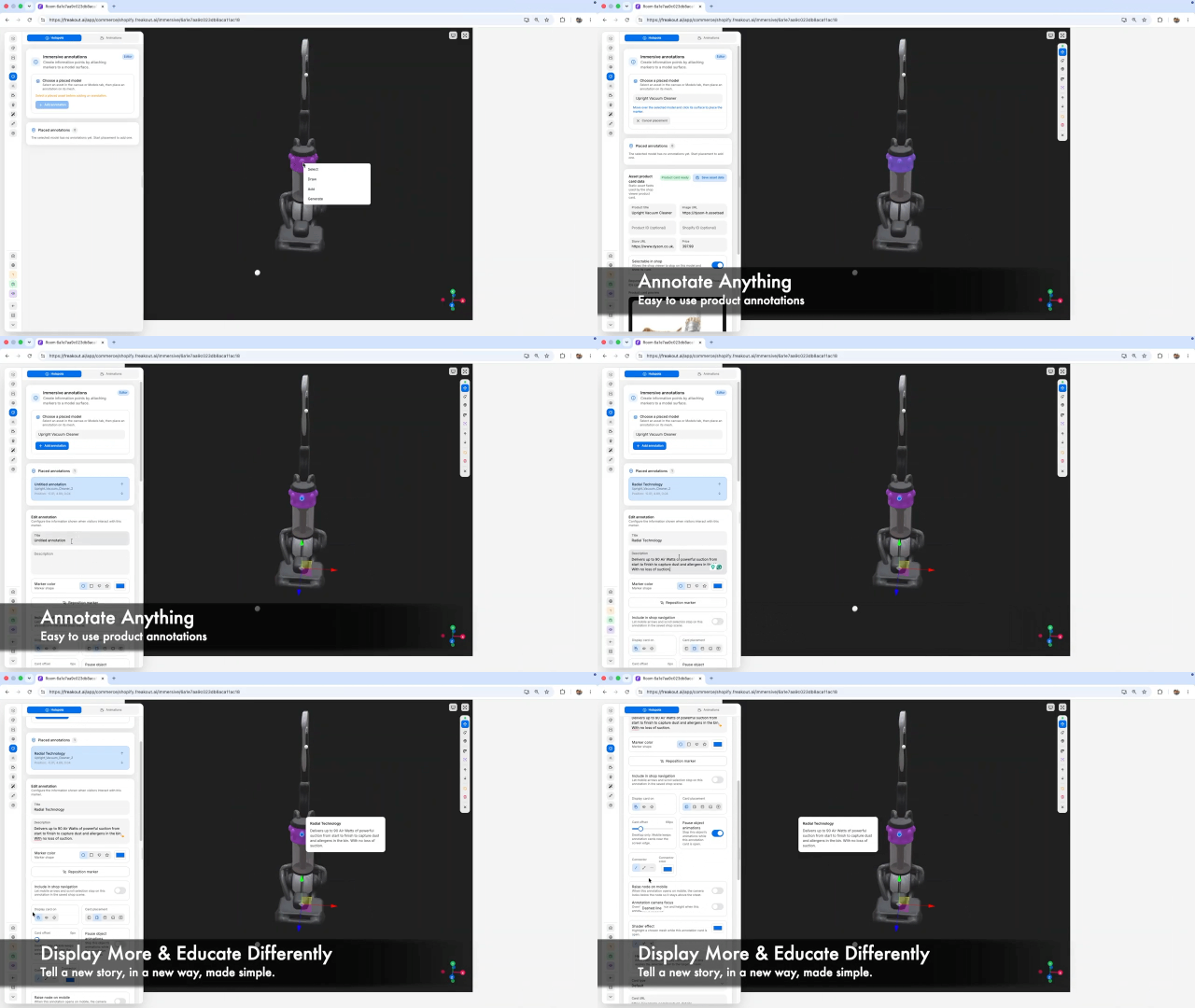
In the video, creators can place hotspots directly onto the product surface. These markers can open cards with feature explanations, product details, and visual callouts. Instead of expecting shoppers to rotate a model and discover value on their own, the experience guides them toward the important parts.
For example, a vacuum cleaner is not just displayed as an object. Its radial technology, ball head, suction performance, and product details can each become part of an interactive explanation. The model becomes a teaching surface.
This is where annotations become more than labels. They create structure. They tell the shopper, “Start here. Look at this. This is why it matters.”
Animation Adds Attention
Animation is still a major part of the experience, but it works best when paired with context.
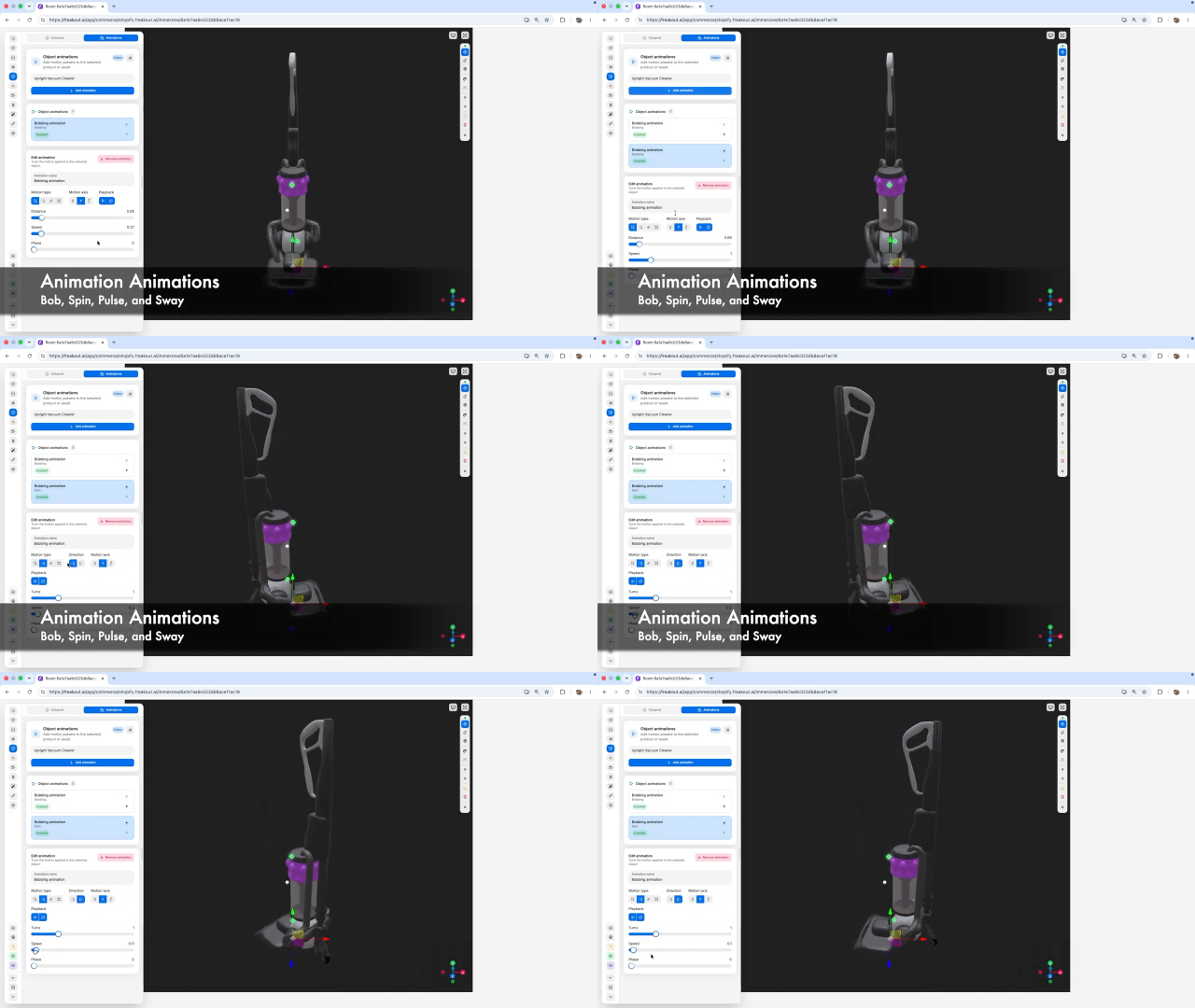
The video shows object animation controls such as bob, spin, pulse, and sway. These are not just decorative effects. Used carefully, they help a product feel active without overwhelming the viewer. A subtle bob can bring life to a product. A spin can reveal shape. A pulse can draw attention to a highlighted feature.
The important part is control. New Settings for motion type, axis, playback, distance, speed, and phase. That gives creators the ability to tune animation for the product rather than applying the same generic movement everywhere.
Good animation does not shout. It directs attention.
Lighting Animations Create Focus
Lighting is one of the most underrated parts of product storytelling.
In physical retail, lighting is intentional. A product is placed under the right angle, with the right shadows, in the right environment. Digital commerce needs the same level of care.
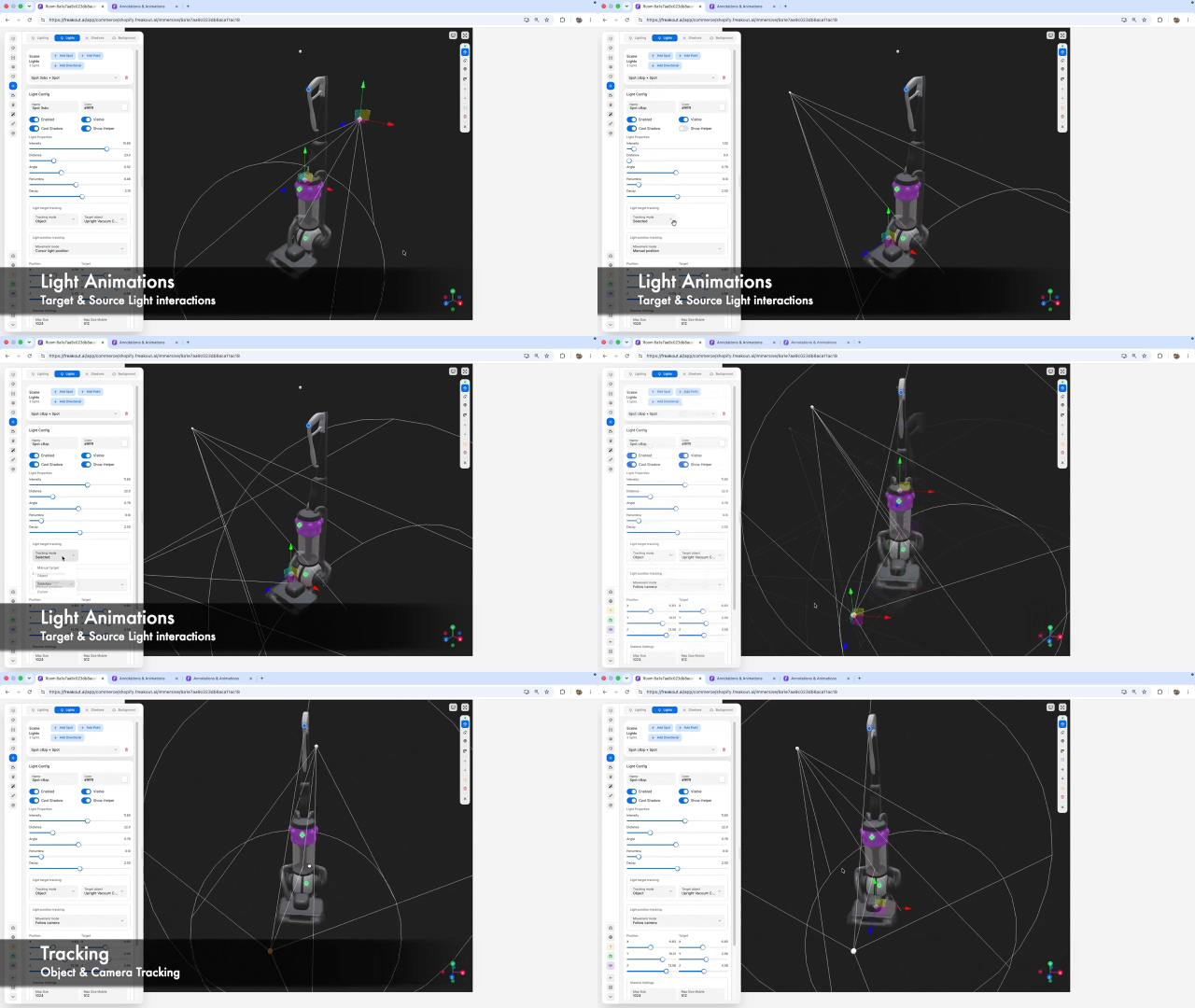
The video shows lighting controls for spot, point, and directional lights, with settings for shadows, intensity, distance, angle, penumbra, and decay. It also shows target and source light interactions, which means lighting can respond to the product and scene rather than sitting as a fixed background setting.
That opens up a more cinematic way to present products. A light can follow a feature. A shadow can add depth. A highlight can make a material feel more premium. Lighting animations can guide the eye just like camera movement or annotations.
For product pages, this is powerful because visual confidence affects buying confidence.
Product Cards Connect Story to Commerce
A beautiful 3D experience still needs to connect back to the purchase journey.
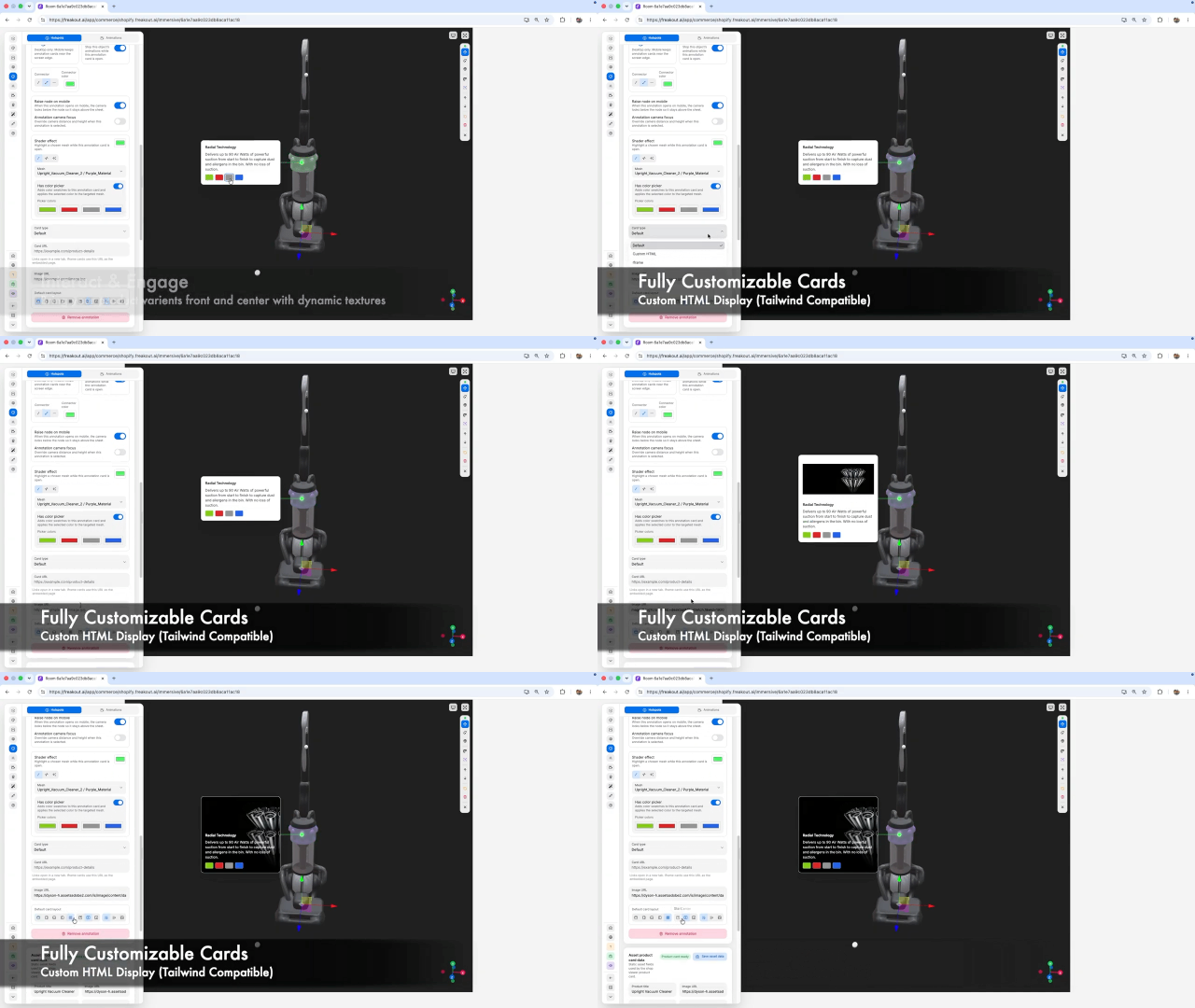
The video shows configurable product-card data tied into the scene: product title, image, store URL, price, and shop behavior. That matters because immersive experiences can sometimes become detached from conversion. They look good, but they do not help the shopper act.
Viewer v2 keeps the product card close to the experience. A customer can explore the model, read annotations, understand the feature, and still have a clear path back to the product.
That is the balance 3D commerce needs: education, interaction, and action in one flow.
The Bigger Shift
The release points to a larger change in how products can be presented online.
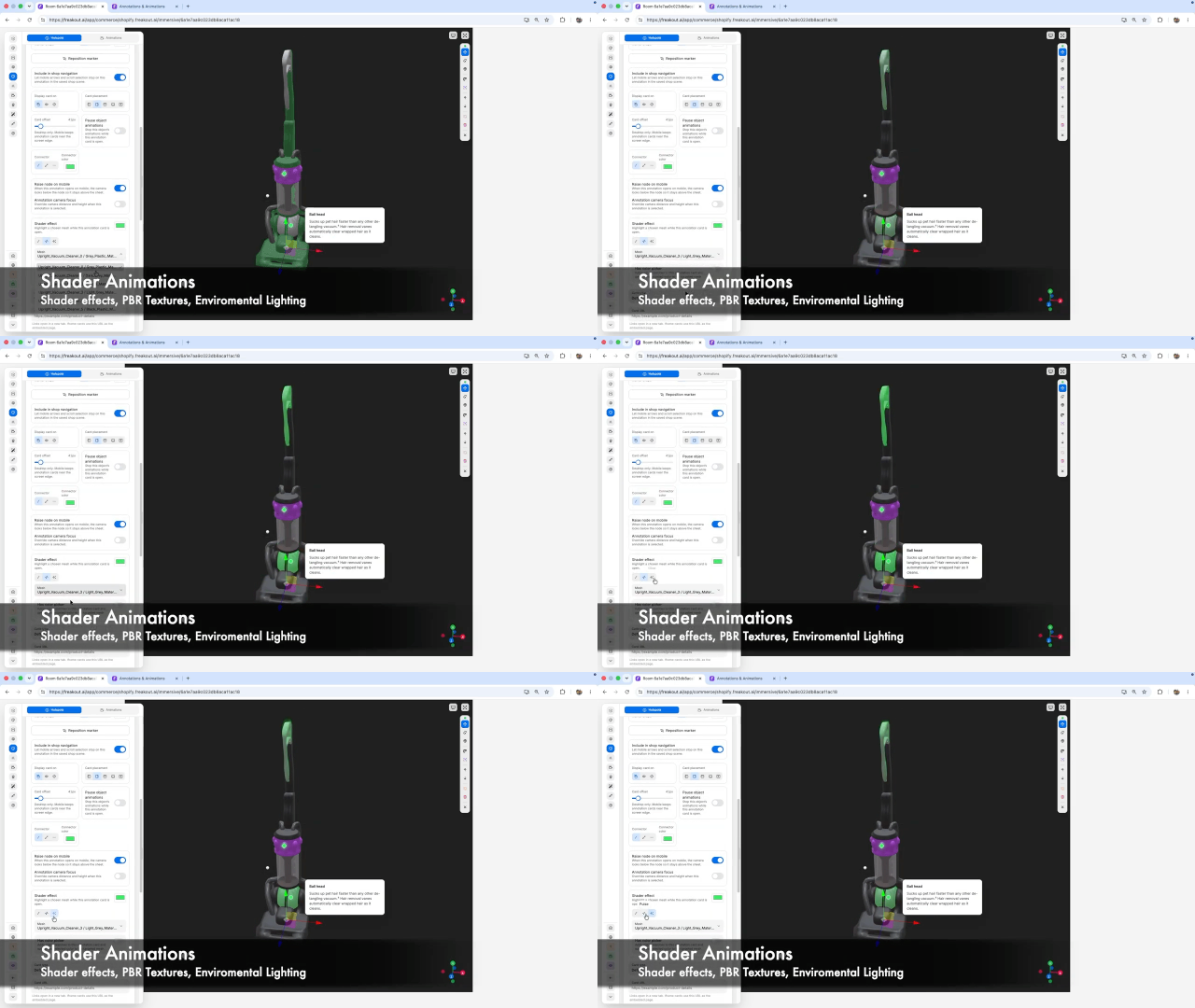
Static pages explain products with text. Videos explain products in a fixed sequence. Interactive 3D scenes can do both, while also letting the shopper explore at their own pace.
Annotations explain. Animations provide movement. Lighting provides focus. Product cards provide the commercial connection.
Together, they turn a product page into something closer to a digital showroom.
Final Thought
The future of 3D commerce is not just better rendering. It is better direction.
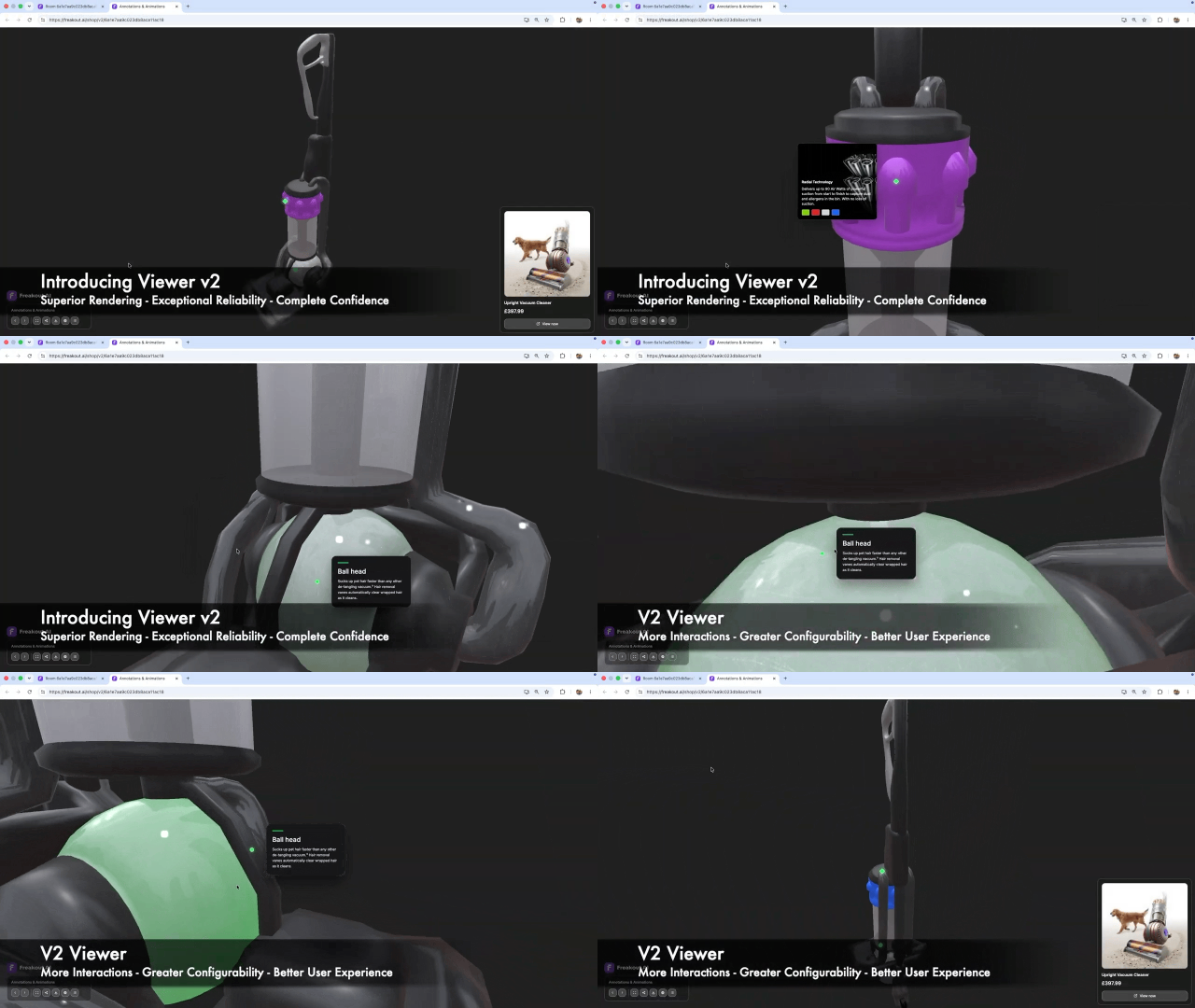
Viewer v2 shows that the real opportunity is not simply to make products spin or move. It is to help brands choreograph attention: where the shopper looks, what they understand, and when they are ready to act.
That is what “Lights, Camera, Action” gets right. It treats animation, annotations, and lighting as parts of the same system: a new way to display more, educate differently, and give shoppers more confidence before they buy.
Get In Touch!
Sign Up Today: https://freakout.ai/login/commerce
Download FreakoutAI for iPhone and iPad:
https://apps.apple.com/app/freakoutai/id6766220433
Try free today: https://apps.shopify.com/freakout-ai
Follow us on LinkedIn
Learn more about FreakoutAI
Learn more about Pricing