Freakout AI now speaks 37 languages

Freakout AI turns product photos into 3D models, showrooms and rooms, for Shopify stores and beyond. It now works in 37 languages, 18 of them new, so more of the people who prepare your products can do it in their own language.
Choose a language and the menus, buttons and hints switch over, on the website and in the app.
- 37languages in total
- 18new in this update
- 3read right to left
Say hello to 18 new languages
- NederlandsDutch
- DanskDanish
- SvenskaSwedish
- Norsk bokmålNorwegian Bokmål
- SuomiFinnish
- MagyarHungarian
- RomânăRomanian
- SlovenčinaSlovak
- SlovenščinaSlovenian
- HrvatskiCroatian
- БългарскиBulgarian
- ΕλληνικάGreek
- LietuviųLithuanian
- עבריתHebrew
- Bahasa IndonesiaIndonesian
- Bahasa MelayuMalay
- Tiếng ViệtVietnamese
- ไทยThai
They join the 19 languages Freakout AI already spoke:
- English
- العربية
- Čeština
- Deutsch
- Español
- Français
- हिन्दी
- Italiano
- 日本語
- 한국어
- Polski
- Português (Portugal)
- Português (Brasil)
- Русский
- Türkçe
- اردو
- Українська
- 简体中文
- 繁體中文
Right to left, too
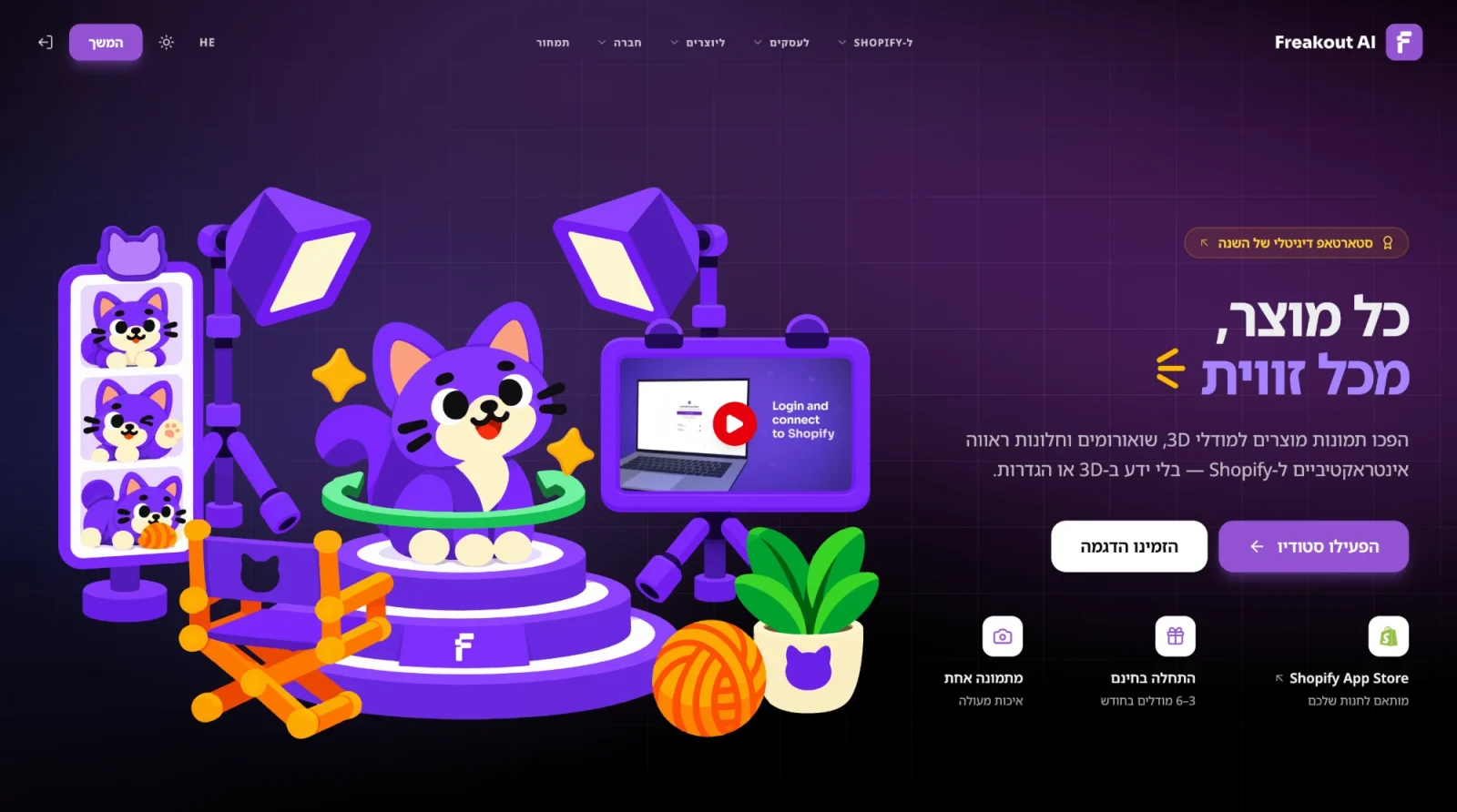
Arabic, Hebrew and Urdu read from right to left, and so does Freakout AI when you pick one of them. The menu, headings and buttons all switch sides, so the page reads the way you expect.
Type a language however you know it
With 37 languages the list got long, so it now has a search box. Type the name in English, in the language itself or in any other language we support. Deutsch, German, Allemand, Almanca and Tedesco all lead to German.
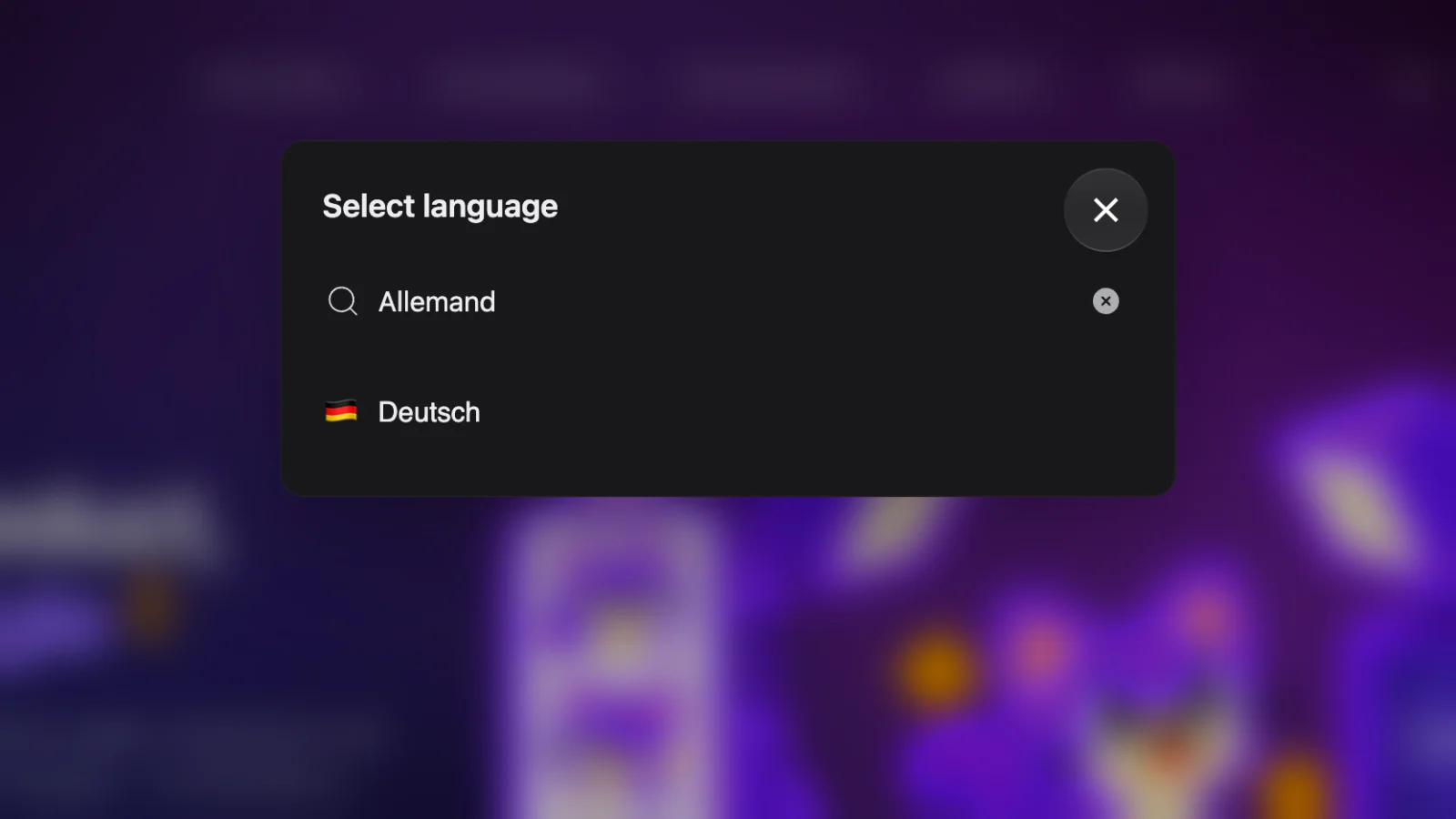
You don’t have to spell it right, either. The search cuts what you type into three-letter pieces, called trigrams, and looks for names that share most of them. A missing or swapped letter is fine too, accents are optional, and your current language always stays at the top of the list.
- Swedsh→ Svenska
- Portugese→ Português
- turkce→ Türkçe
- francais→ Français
- Deutch→ Deutsch
- Norweigan→ Norsk bokmål
Switch in a few seconds
On the website, the language button sits in the top bar. In the app, it’s in the side menu, and inside Shopify admin it’s in the app menu. Search, pick, and you’re done.
Get Freakout AI on the Shopify App Store Open Freakout AI
Coming soon: news in every language
Our articles are in English for now. Soon every new one, this one included, will come out in all 37 languages.
Spotted something odd?
A translation can still sound off to a native speaker. If a phrase reads strangely or a word is missing, tell us and we’ll fix it.
Send us a note