

FreakoutAI: Immersive Showroom
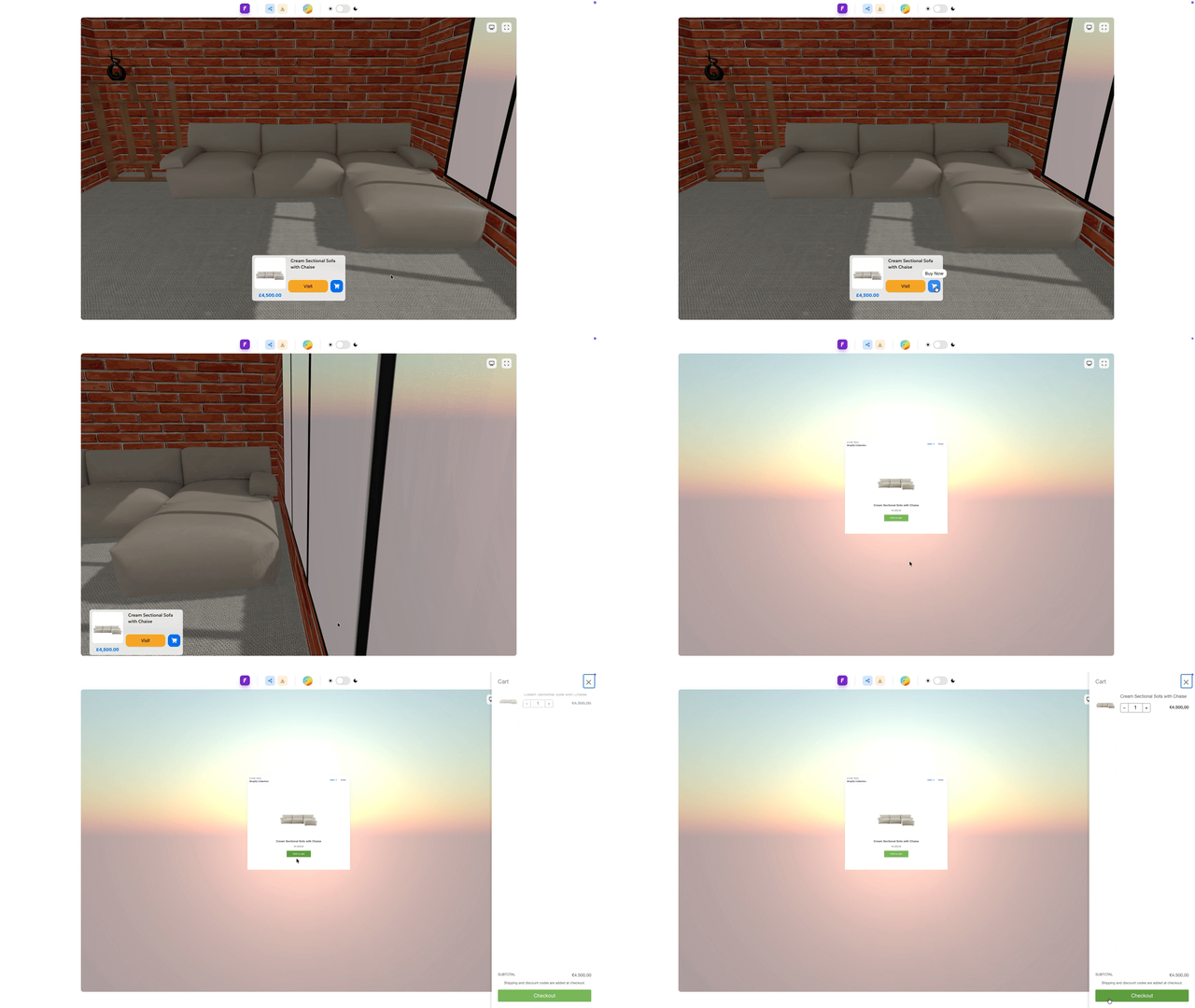
One of the most requested FreakoutAI upgrades is now live.
The Immersive Showroom Editor is now available on both Basic and Pro plans, allowing teams to design fully interactive 3D storefronts directly in the browser.
Instead of relying on static product pages, merchants can now create spatial shopping experiences — branded showrooms where customers can explore products in an immersive environment.
Editor available on paid plans: https://apps.shopify.com/freakout-ai
Example Storefront: https://freakout.ai/shop/icommerce
Example Store: https://shopify.freakout.ai/
Build Fully Custom WebGPU/GL Spaces
You can now create fully customizable storefronts and showrooms powered by WebGPU/GL, directly with FreakoutAI.
That means high-performance, interactive 3D scenes that run smoothly in the browser without requiring any custom engine work on your part.
From branded flagship spaces to product-specific showrooms, you can now shape the full environment and embed them directly into your store.
VR-Ready, Out of the Box
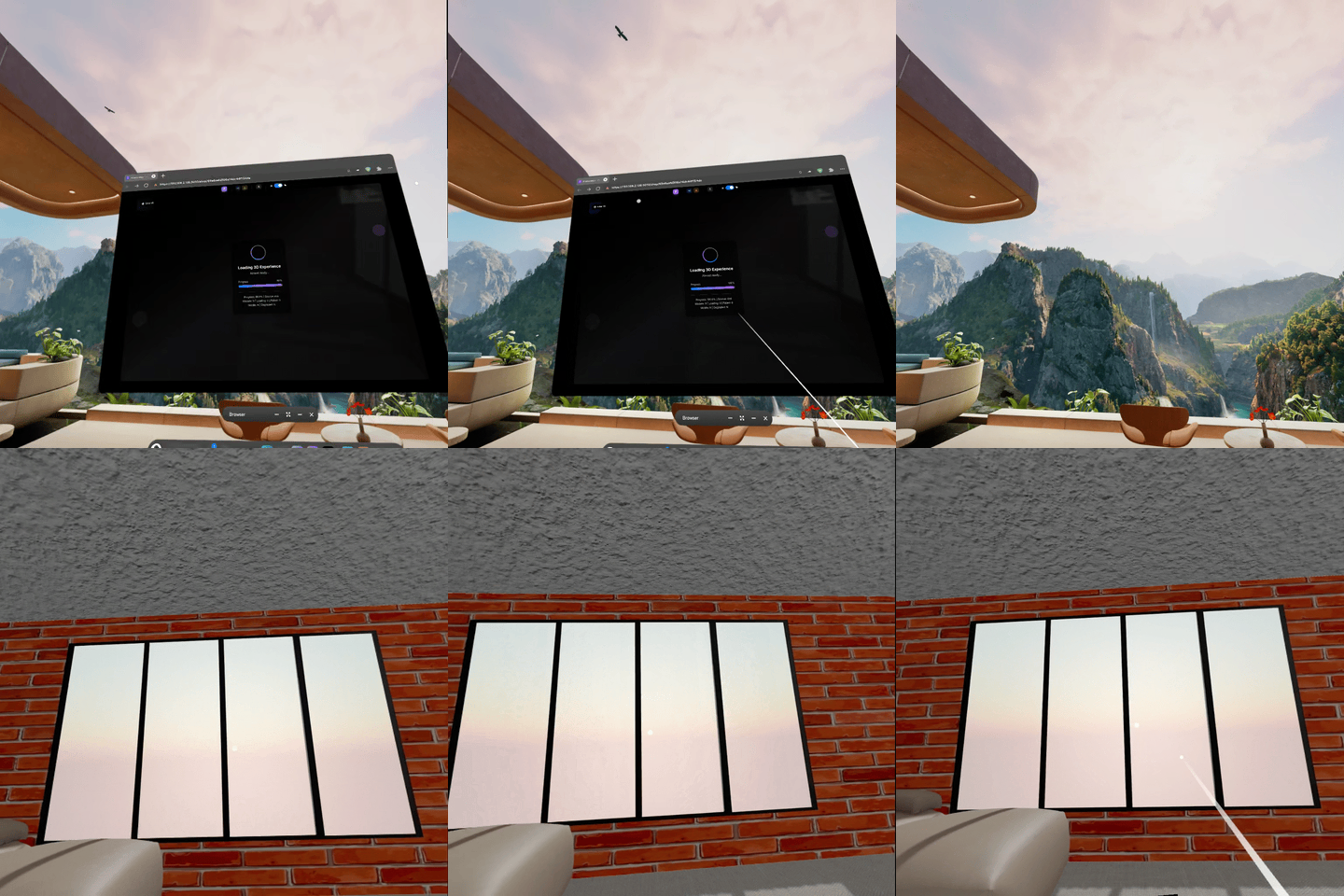
Every new space is VR-ready by default.
No special setup. No separate pipeline. No duplicate builds.
Design once, launch across desktop/web, and step into VR experiences immediately.
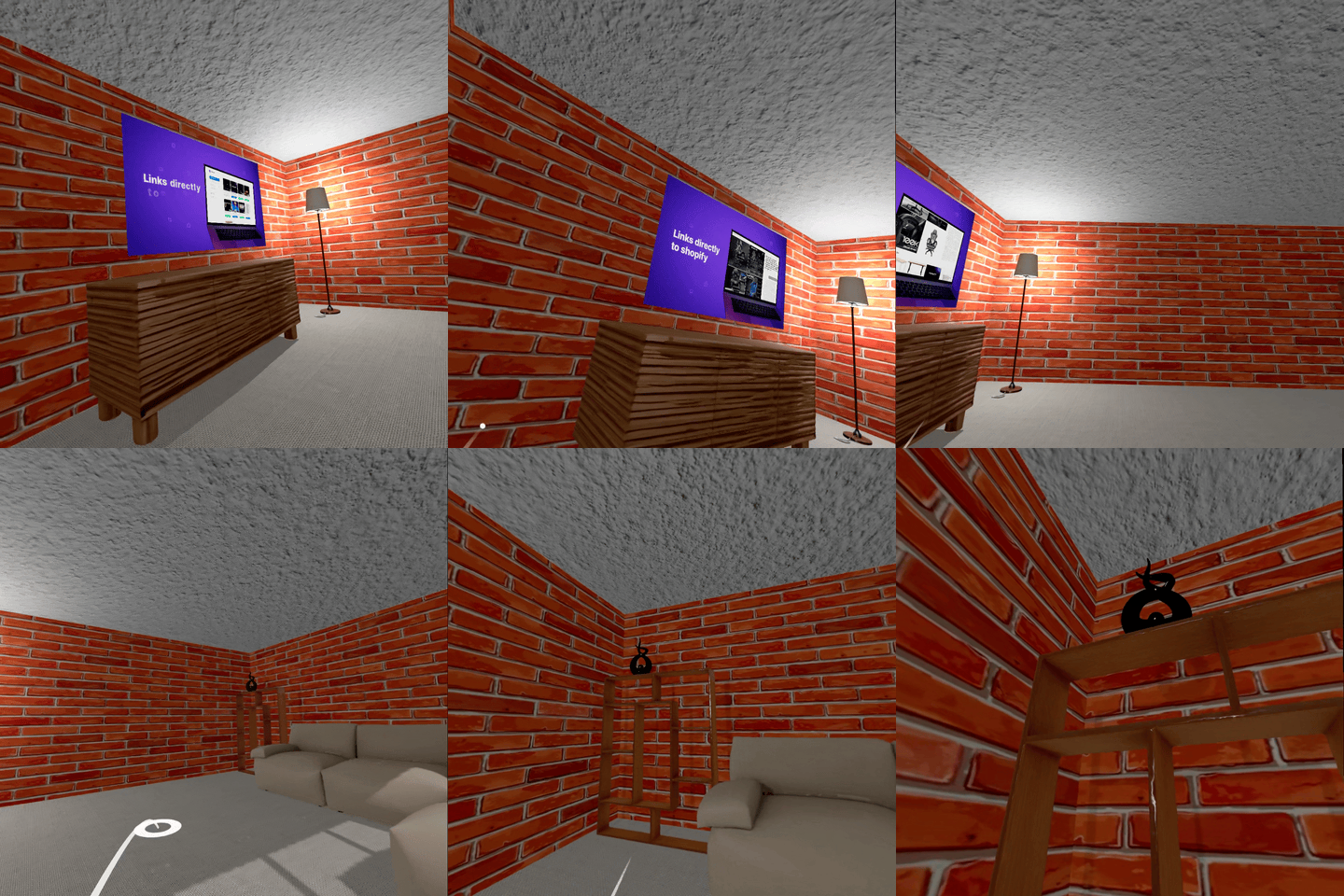
For teams that want immersive commerce now (not months from now), this removes a major technical blocker.
New Creative Controls in the Editor
This update adds deeper, faster creative control where it matters most:
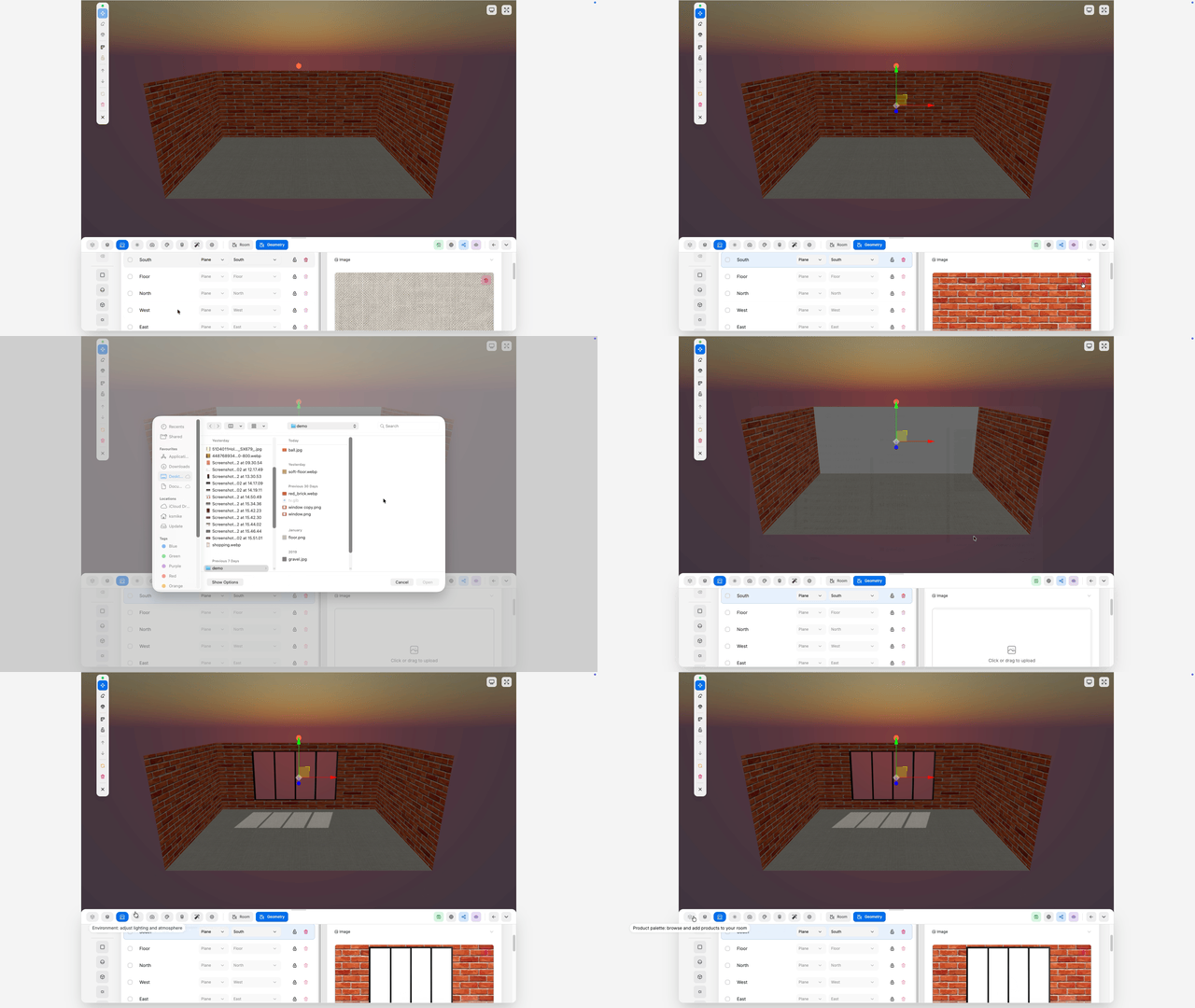
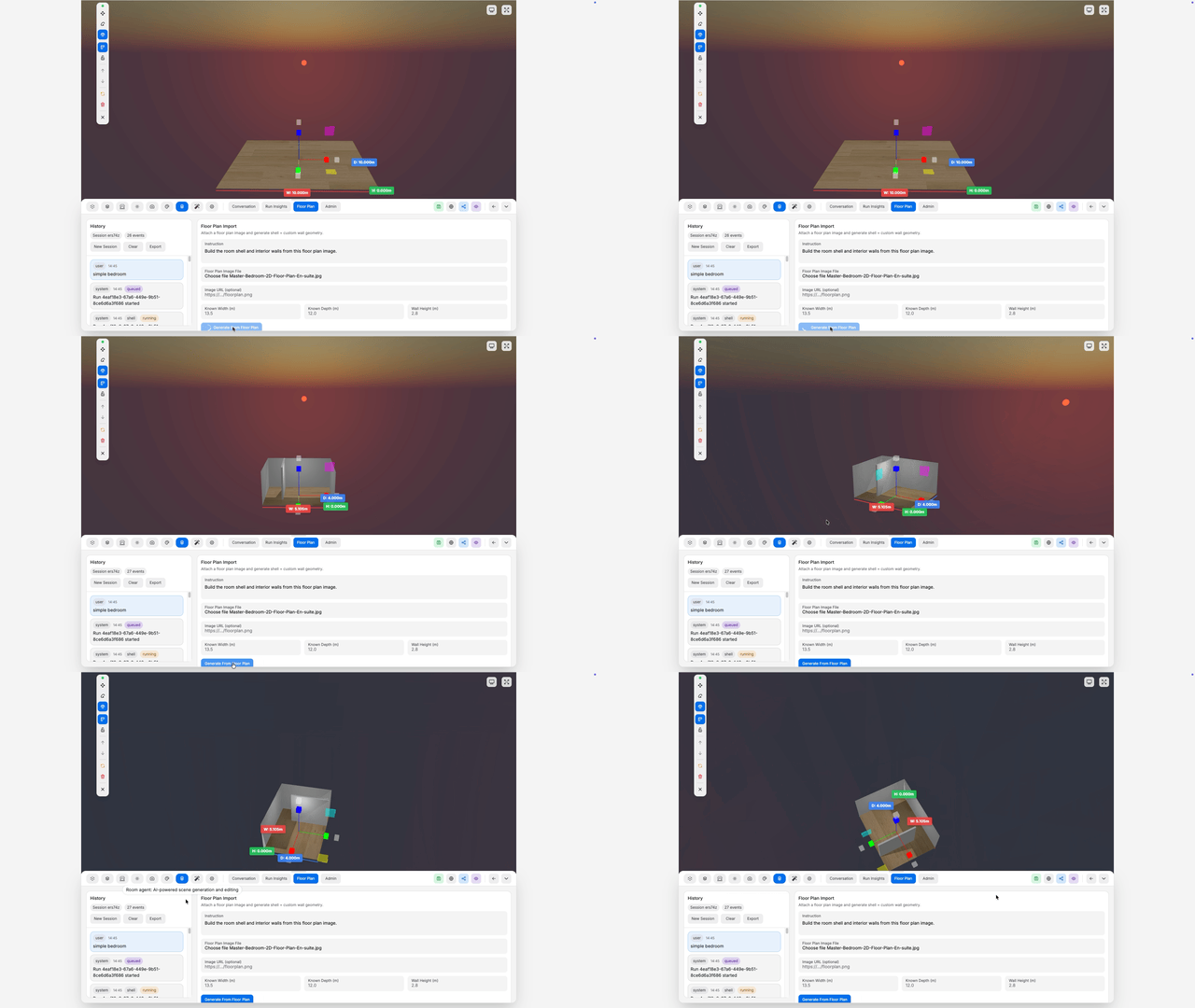
- Draw walls directly in the editor to shape rooms and product layouts in seconds.
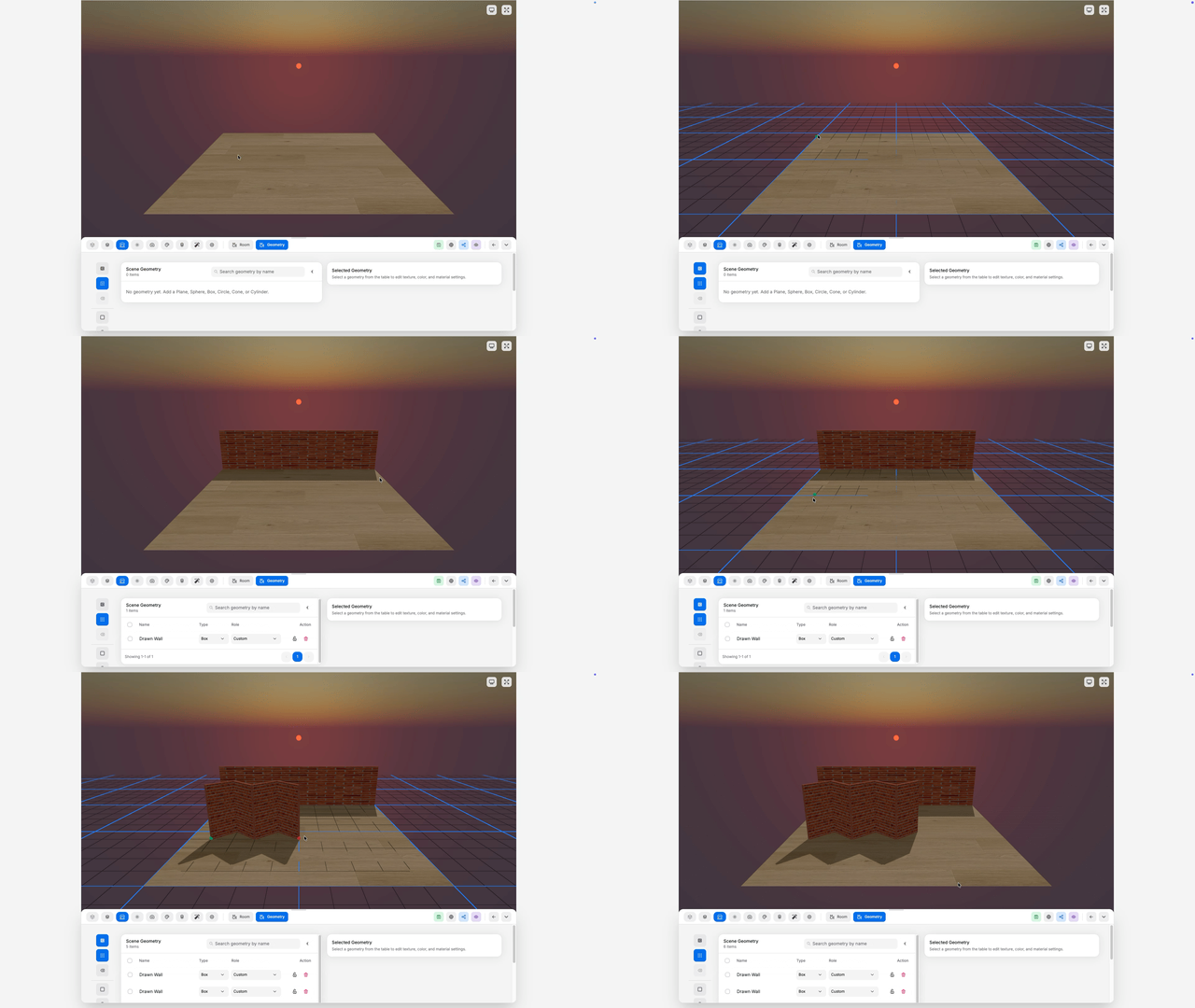
- Customizable textures: apply your own visual identity across surfaces and zones
- Image-to-3D generation: turn 2D references into editable 3D content inside your workflow
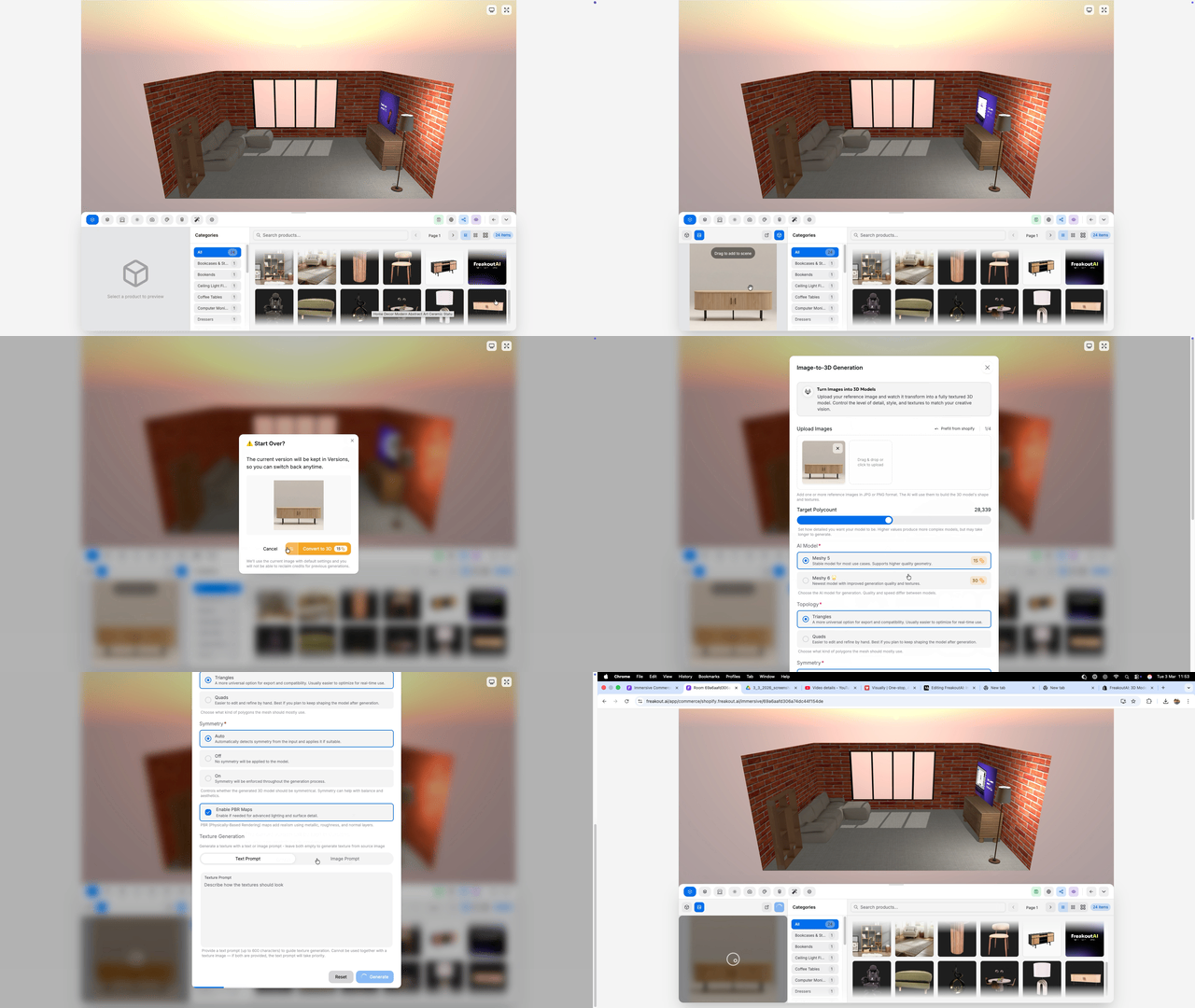
The goal is simple: fewer handoffs, less back-and-forth, more creative iteration in one place.
Better Inspection and Scene Direction
We also shipped a major quality-of-life upgrade for reviewing and presenting spaces:
- Detailed inspection tools for close validation of assets and materials
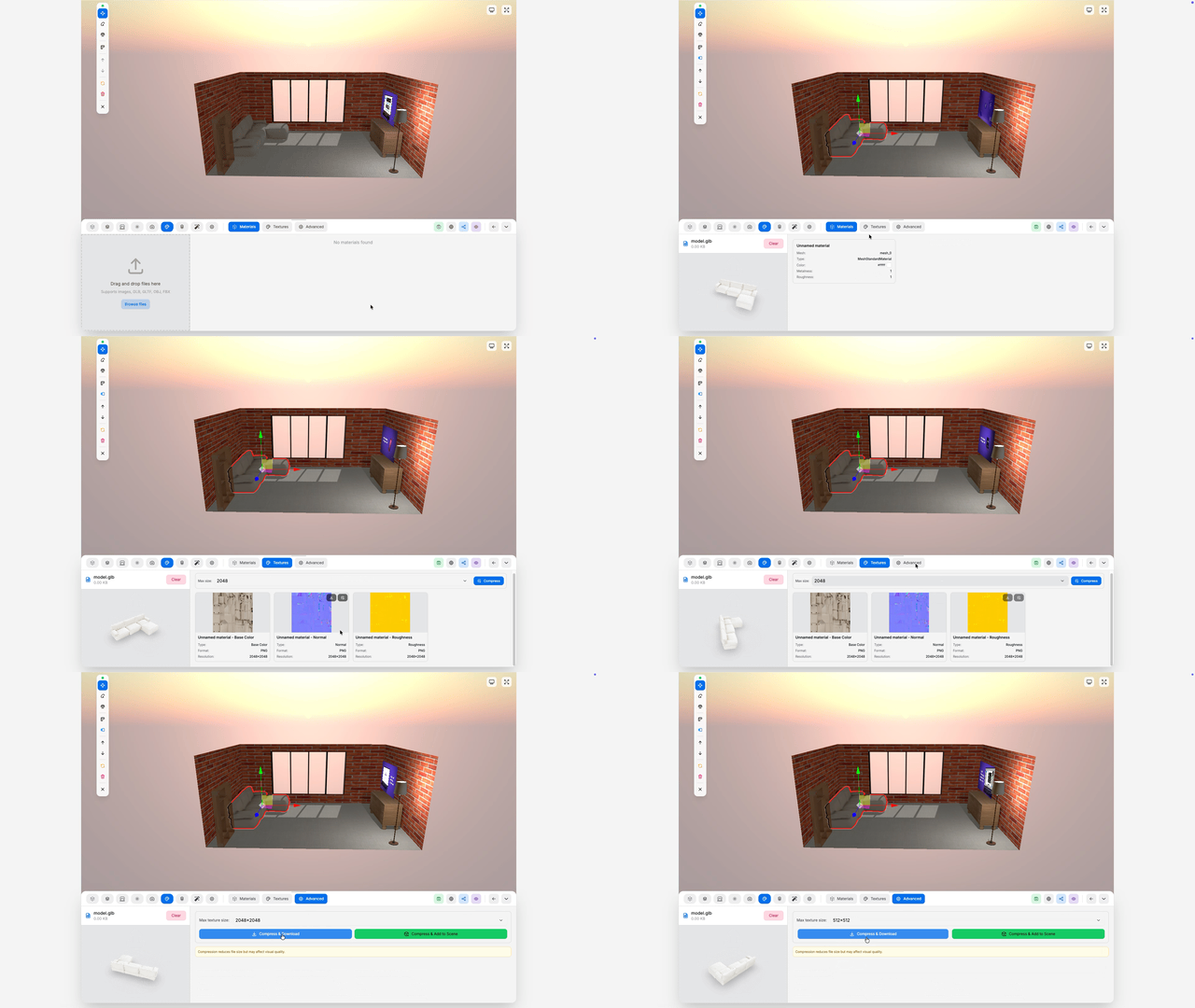
- Improved camera controls for walkthroughs, composition, and product focus
- Environment controls to adjust mood, lighting context, and presentation conditions
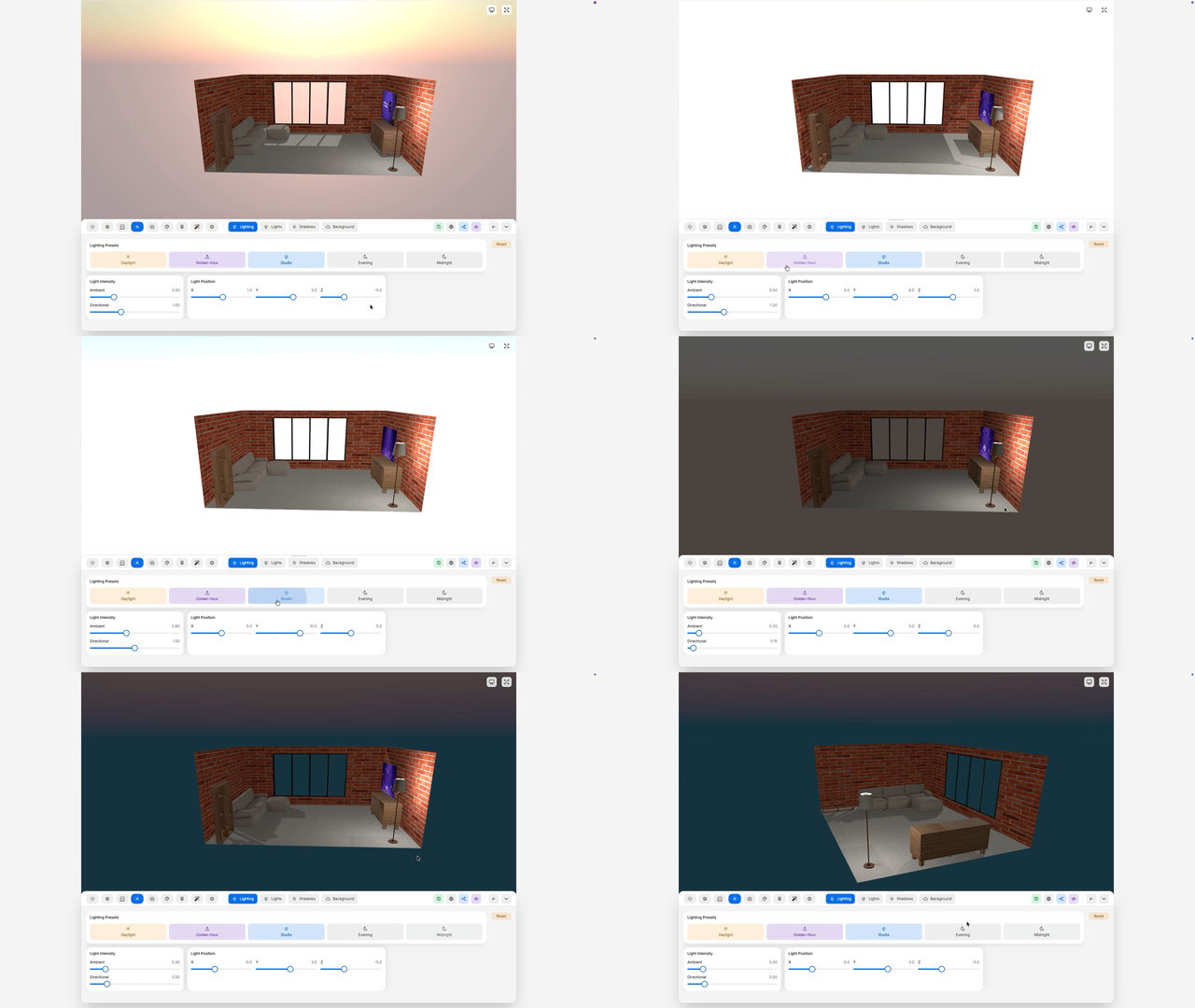
Whether you’re building for internal review, client approvals, or live customer experiences, navigation and scene control are now significantly more precise.
Why This Matters
Until now, immersive commerce tooling often forced a tradeoff:
- fast but generic templates, or
- custom quality with heavy technical effort
- VR support out of the box
This release is designed to close that gap.
You get speed, control, and production-grade visuals in one workflow, now accessible on Basic and Pro.
What’s Next: Collection-to-Room
We’re introducing Collection-to-Room with a new Room Agent workflow.
Select your products from a collection
- Describe the room you want (style, layout, mood, materials)
- Hit Send and let the Room Agent generate the space
- Review and Save Room for editing, sharing, or publishing
This turns product sets into ready-to-customize 3D rooms in minutes, with far less manual setup.