

Freakout AI, Now Inside Shopify Admin
Give shoppers a closer look at what you sell with 3D models made from your existing product photos.
Freakout AI now opens directly inside Shopify admin. Browse your catalogue, choose a product and create its 3D model without a separate Freakout AI sign-up or 3D modelling software.

Your store, without another sign-up
Open Shopify admin → Apps → Freakout AI. Your store is the starting point for the workspace, with its catalogue ready to browse.
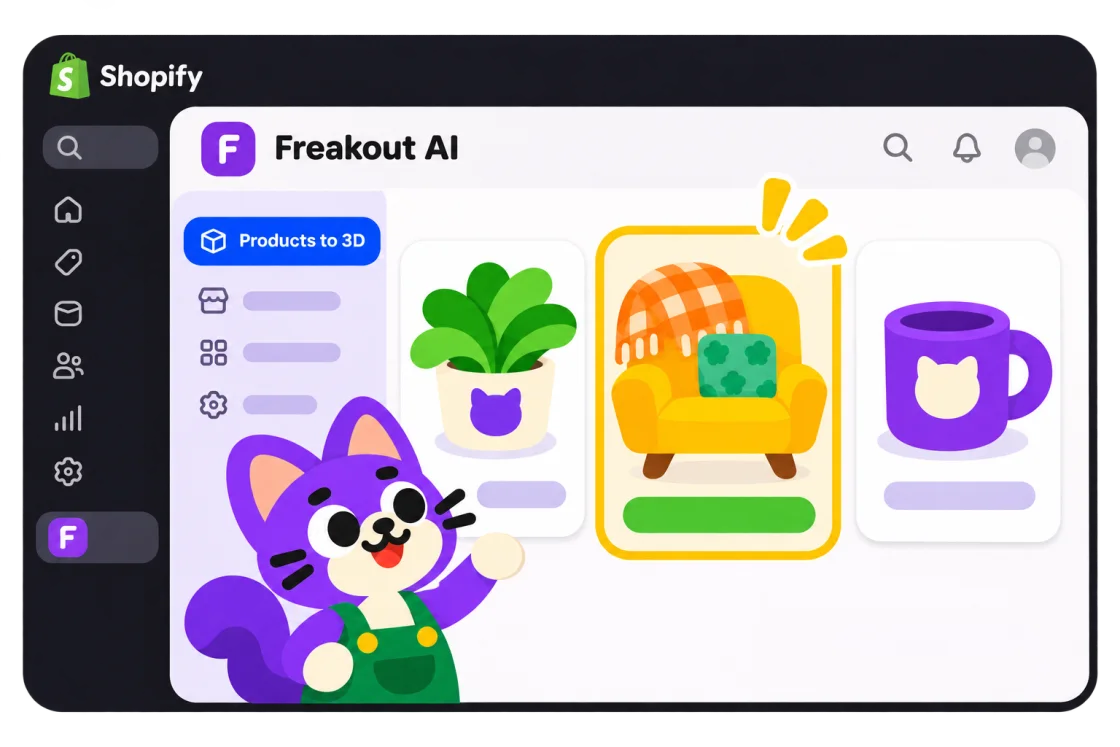
From your Shopify catalogue to a 3D model
A chair’s shape, a lamp’s proportions or the details of a piece of homeware can be hard to judge from one angle. A 3D product model gives customers another way to explore those details before they buy.
Start with a photo already in your store. You can generate the model, review its versions and send the one you choose back to Shopify.

- Choose a product and photo from your Shopify catalogue.
- Generate a 3D model with Freakout AI.
- Review the result and select the version you want to use.
- Add the model to your Shopify product’s media.
Review your AI-generated model before publishing it. For the model to appear on your storefront, the product must be available on the Online Store channel and your theme or product template must support 3D media.
Keep the everyday work in Shopify
Your catalogue, model generation and review stay inside Shopify admin. Generation notifications tell you when a model is ready, so you can check the result and get back to your products.

You can check your balance, buy credit packs, or change or cancel your subscription in the app. Purchases use Shopify Billing, with approval handled through Shopify. Notification preferences and account settings are available there too.
Open the full workspace when you need it
For Creative Studio, showrooms and room editing, choose Open full version to continue on freakout.ai. These tools use the full workspace; product browsing, 3D generation and billing remain available inside Shopify admin.
Bonus credits for your own sign-in
Started in Shopify admin? Add an email address, or link Google or LinkedIn, in your Freakout AI profile. Your first own sign-in method adds 50 credits to your balance, once per account, and lets you open the same account outside Shopify too.
Get started
Get Freakout AI on the Shopify App Store →
Already installed? Open Shopify admin → Apps → Freakout AI and choose your first product.