

Making 3D Spaces React: Particles, Cameras, and Real-Time Interaction
Most 3D experiences still feel passive. You move a mouse, tap a button, maybe rotate a product. The scene responds, but it does not really notice you.
Camera interactions change that.
In the Bees! demo, the scene is simple on purpose: a 3D avatar stands in a space filled with bee particles. A small camera panel shows the interaction layer underneath: camera state, preview, changed pixels, changed ratio, confidence, and the last detection.
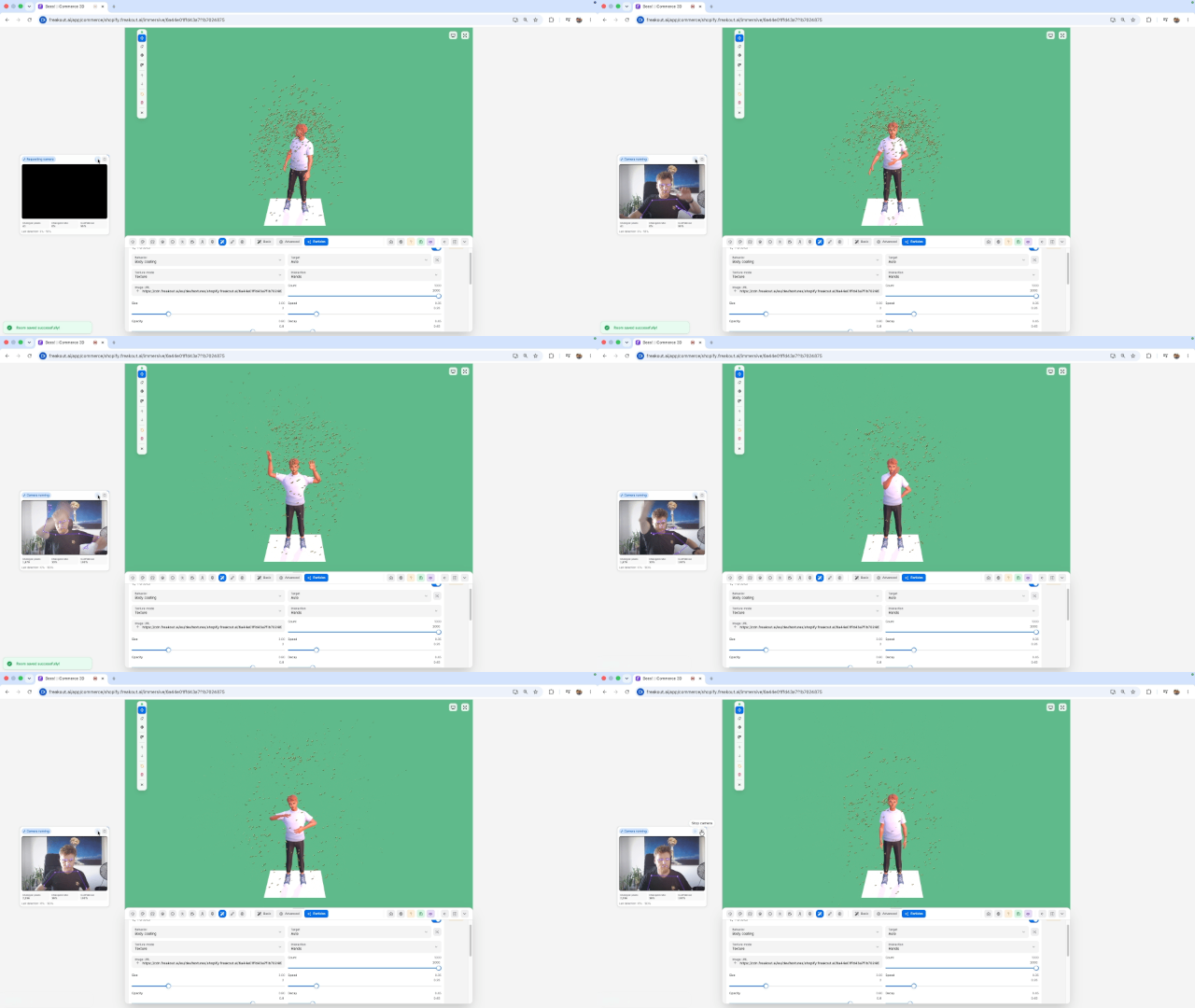
That debug panel is useful because it shows what is really happening. The camera is not just a video feed. It is becoming an input source.
By using the shopper’s camera as a signal, an immersive room can react to motion, body position, presence, or gestures. Add particles to that system, and the result becomes much more expressive. Bees can swarm around an avatar. Sparks can follow a person. Mist can gather around movement. Product effects can trigger when someone enters frame.
The important part is not the camera itself. It is what the camera makes possible.
Privacy Matters
Camera-based interaction has to be designed carefully. A good implementation keeps camera frames in the browser and only uses derived interaction metrics. The experience should not need raw video on a server.
That also improves latency. Local frame analysis means faster feedback, which matters when the visual response is supposed to feel connected to the user’s movement.
The Camera as a Signal
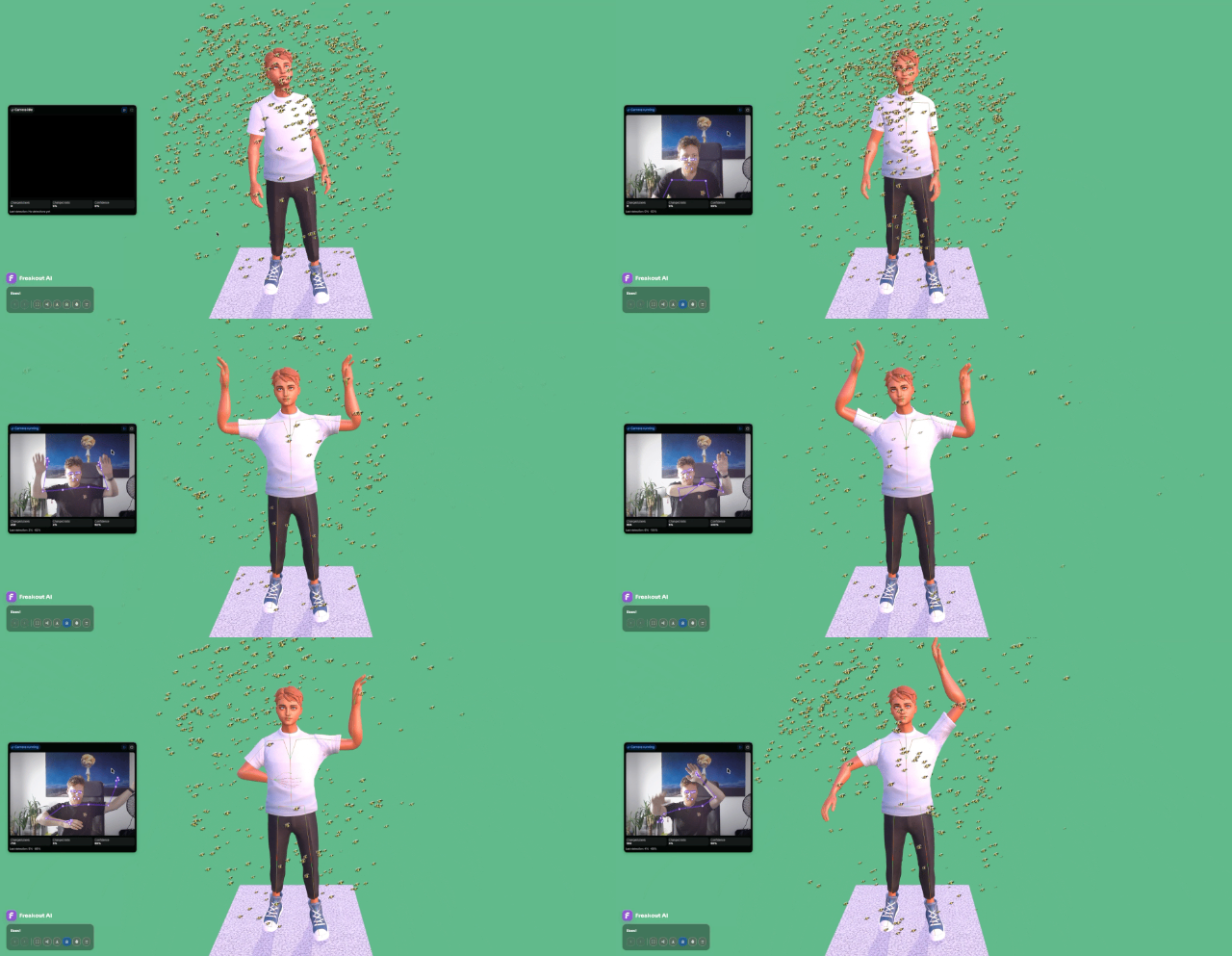
A camera interaction system does not need to record or upload video to be useful. The browser can analyze frames locally and extract practical signals: how much motion changed between frames, whether a person is visible, where a body appears in the frame, how confident the detection is, and when the last meaningful interaction happened.
Those signals are small, but they are enough to drive scene behavior.
For example, instead of saying “show particles all the time,” the scene can say: “increase the particle response when motion confidence rises” or “anchor the effect around the detected body.”
That makes the effect feel intentional instead of decorative.
Why Particles Work So Well
Particles are one of the best visual responses for camera-based interaction because they are forgiving.
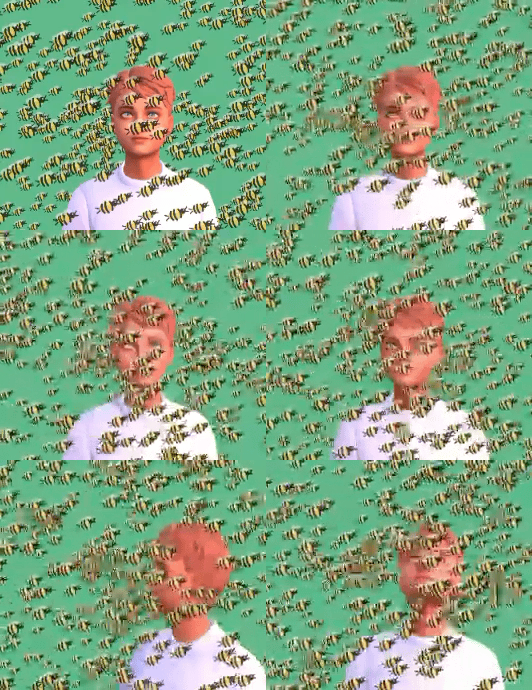
A button needs precision. A 3D object grab needs exact coordinates. Particles can respond beautifully to approximate input. If the user moves, particles can trail. If confidence drops, particles can fade. If the camera loses the pose for a moment, the effect can decay naturally rather than snap off.
That is why the bee swarm works as a demo. The interaction does not need to be perfectly literal. The value is in the feeling that the scene is reacting to presence.
Designing the Interaction
The cleanest model is simple: detect motion or pose from the camera, convert it into a normalized interaction event, let the 3D scene subscribe to that event, and drive the particles from that data.
This keeps the camera system separate from the visual system. The camera should not know whether the response is bees, sparks, smoke, confetti, an avatar effect, or a product animation. It should only emit clean interaction data.
The particle system can then decide where particles spawn, how they move, whether they orbit or trail, and how intensity maps to confidence or motion.
That separation keeps the system flexible without overcomplicating it.
The Result
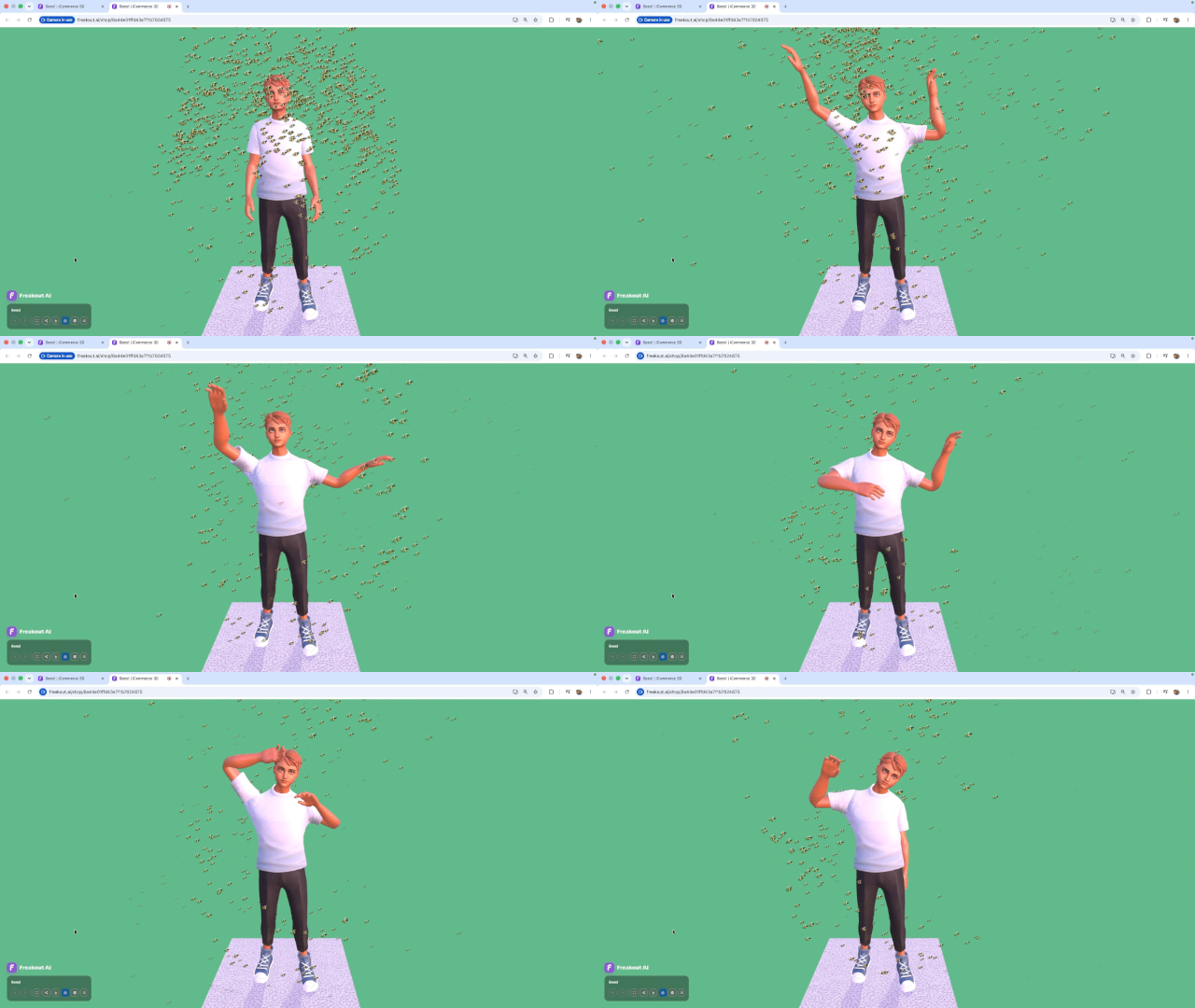
When particles react to camera input, the 3D scene stops feeling like a static showroom. It becomes responsive.
The Bees! demo shows the idea in a direct way: the scene has a character, a particle system, and a camera interaction layer that can turn movement into visible feedback.
The interaction is simple, but the feeling is powerful: the scene is aware.
That is the real value of camera interactions. They turn attention, movement, and presence into creative input.
Particles just make that input visible.